
Welcome to this guest post, adapted from a hands-on video comparison by SavageReviews. If you’re a freelancer on Workreap or a client looking to hire, this guide will help you choose the right tool for your next web project.
Choosing the Right Designer-Focused Website Builder

I've been testing five website builders everyone keeps asking about and honestly the differences are way more dramatic than expected.
-SavageReviews
What This Comparison Covers
This article looks at five popular website builders. Each one is built for a different type of user. We cover Framer, Wix, Readymag, Elementor, and Showit. These tools range from design-first platforms to all-in-one solutions. Some focus on portfolios. Others offer deep WordPress power or mobile-first editing.
Why This Matters for Workreap Users
Freelancers need to deliver sites that match client goals. Clients want to know which builder fits their budget and vision. This comparison helps both sides make smart choices. You’ll see how each platform handles visual control, animations, templates, SEO, blogging, and pricing.
How We Tested
Each builder was evaluated side by side. We looked at the interface and ease of use. We tested animation and interaction features. We reviewed template quality and customization options. We checked SEO and blogging support. We also noted pricing and target user profiles.
How to Use This Guide
Read the section that matches your needs. If you want creative freedom, look at the design-first tools. If you need simplicity, check the beginner-friendly option. If you’re building a portfolio, explore the editorial specialist. If you need WordPress power, see the extensibility section. If mobile-first editing matters, review the photographer-focused platform.
What You’ll Get
By the end, you’ll have a clear recommendation. You’ll know which builder suits your project. You’ll also get actionable tips for creating client sites on Workreap. This guide saves you time and helps you deliver better results.
Framer: Design-First, Motion-Forward

A New Player for Designers
Framer is the new kid making waves in the website builder space. It’s built for designers who want complete creative control without writing code. If you’re a freelancer on Workreap who values pixel-perfect layouts and smooth animations, Framer deserves your attention.
An Interface That Feels Familiar
The interface feels like Figma but for websites.
Framer uses a layer-based canvas. Pages are laid out like artboards. You’ll find visual transition panels and motion controls right in the interface. If you’ve used Figma or similar design tools, you’ll feel at home. This makes Framer a natural fit for product designers and UI specialists.
Strengths That Stand Out
Animations are smooth. Micro interactions feel premium. You get precise layout control. Framer surfaces animation controls visually, so you don’t need to guess at code. The platform speaks the visual language that designers already know. This means you can build portfolio sites, marketing microsites, or unique brand experiences with polish and motion.
Trade-Offs to Consider
Framer has a steeper learning curve than template-driven builders. It’s better suited to designers or freelancers who are comfortable with design tools. Absolute beginners may find it challenging at first. But if creative freedom and visual fidelity are your top priorities, the investment pays off.
Pricing and Positioning
Framer costs roughly $15 per month. This positions it as a mid-priced, professional tool. It’s not the cheapest option, but it’s affordable for freelancers and small studios who want advanced features without enterprise costs.
Best Use Cases
Use Framer when you need portfolio sites that shine. It’s ideal for marketing microsites that require motion and interaction. Designers building unique brand experiences for clients will love the control. Choose Framer when creative freedom and visual fidelity matter most.

Wix — The Beginner-Friendly Workhorse
The Reliable All-in-One Solution
Wix is a mature, all-in-one website builder. It focuses on ease of use, templates, and AI-assisted site creation. If you’re a freelancer on Workreap offering quick site builds, or a client who wants fast results without hiring a design specialist, Wix is built for you. It’s the reliable workhorse that gets the job done.
Drag, Drop, and Go
Genuinely beginnerfriendly with hundreds of templates and useful AI builder.
Wix uses a drag-and-drop editor. You get an extensive template library. The AI builder option speeds up site creation. You don’t need design experience. You don’t need to write code. Wix guides you through the process. This makes it ideal for non-designers and small business owners who prioritize speed and low friction.
What Wix Does Well
Wix is genuinely beginner-friendly. You get hundreds of templates to choose from. Setup is fast. Hosting is bundled into your plan. This means fewer moving parts and less hassle. For simple brochure sites, portfolios, or small business websites, Wix delivers quick results. Freelancers can use it to offer rapid site builds to clients who need a web presence without complexity.
Where Wix Falls Short
Sites built on Wix can feel generic. Deeper customization hits limits quickly. If your client wants a truly unique design, Wix may not give you the creative control you need. To access commerce and business features, most users will need higher-tier plans. The basic plan starts at $17, but many will need the $39 business plan to unlock the features they actually want.
Pricing and Practicality
Wix offers straightforward pricing. The basic plan is affordable, but business and ecommerce features push you toward mid-tier plans. For clients who want quick results and don’t need bespoke design, this trade-off makes sense. It’s a practical choice when speed and simplicity matter more than creative freedom.
Best Use Cases
Use Wix for simple brochure sites. It’s perfect for small businesses who want a web presence fast. Freelancers on Workreap can offer quick site builds without a steep learning curve. Clients who prioritize speed and low friction over custom design will appreciate what Wix delivers.
Readymag — The Editorial & Portfolio Specialist

A Tool for Design Purists
Readymag is the design purist’s dream.
Readymag is built for a specific audience. It’s tailored for portfolios, digital magazines, and editorial projects. If typography and layout matter to you, Readymag delivers. This platform focuses on visual expression. It’s not for everyone, but for creatives who want their work to look like a magazine or art-directed portfolio, it’s a perfect fit.
Interface and Workflow
Readymag offers a flexible canvas. You get strong typographic controls. The interface includes grids and layout widgets. These tools help you build highly expressive editorial layouts. The visual scenes show the shape widget and grid layout panel in action. You can craft layouts that feel intentional and polished. Every detail is under your control.
Where Readymag Shines
Typography controls are exceptional. You get layout freedom that other builders don’t offer. Readymag is ideal for creatives who want their work to read and look like a magazine. Photographers, designers, and publishers will appreciate the precision. You can build a uniquely styled online portfolio without the constraints of templates. Your site becomes a canvas for your vision.
Important Trade-Offs
Readymag is not suitable for traditional business sites. It lacks robust blogging tools. SEO capabilities are weak. If you need e-commerce or standard CMS features, this platform is a poor fit. It’s built for visual storytelling, not for selling products or running a blog. The niche focus restricts broader site utility.
Pricing and Value
Readymag costs around $14 per month. This makes it one of the more affordable options. But remember, the price reflects its niche focus. You’re paying for exceptional design and layout tools, not for business features. If your project aligns with what Readymag does well, the value is excellent.
Best Use Cases
Use Readymag for online portfolios that need to stand out. It’s perfect for digital magazines and editorial projects. Photographers, designers, and publishers who want a uniquely styled presence will love this tool. Choose Readymag when you want your work to look like art, not just another website.
Elementor — WordPress Power & Extensibility
The WordPress Power Player
Elementor is the WordPress power player.
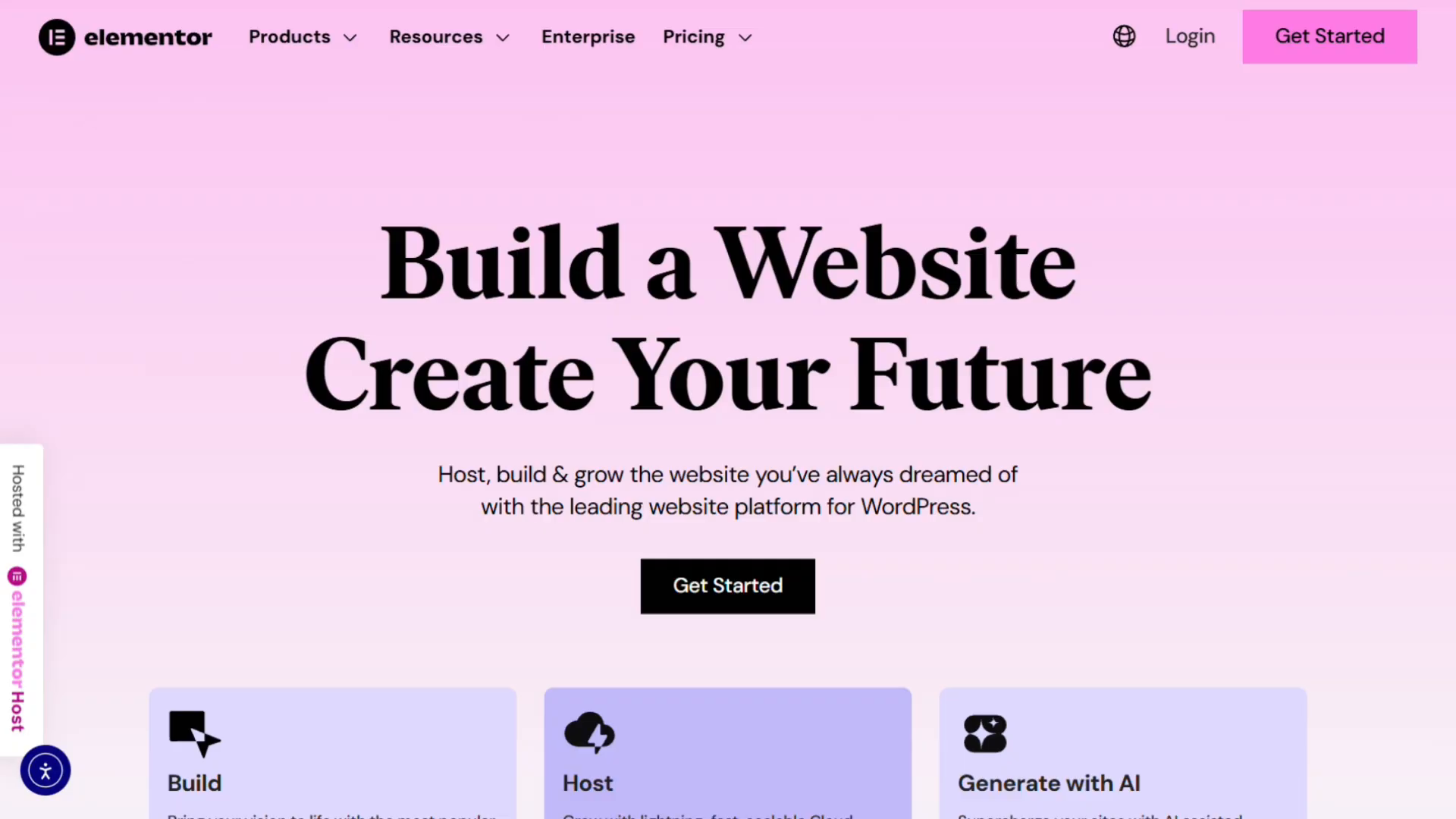
Elementor is the go-to visual page builder for WordPress. It’s favored by agencies and developers who need deep functionality. If you’re a freelancer on Workreap building complex client sites, Elementor gives you the power and flexibility you need. This platform is built for serious projects that require more than basic templates.
Interface and Workflow
Elementor works as a drag-and-drop editor inside WordPress. You get a large ecosystem of plugins and third-party widgets. These extend your capabilities far beyond what standalone builders offer. The visual scenes show the Elementor interface in action. You can see how the editor integrates directly into the WordPress environment. This setup gives you access to thousands of extensions and integrations.
Where Elementor Excels
Elementor delivers powerful functionality. You get enterprise-level flexibility. There’s a huge community of templates and add-ons. This makes it great for complex projects. You can build advanced forms, custom post types, and deep integrations. You get full CMS control. For agencies managing multiple client sites, this level of power is essential. Freelancers comfortable with WordPress will appreciate the extensibility.
Important Trade-Offs
Elementor requires WordPress hosting. You need technical familiarity with WordPress. The free version feels limited. Many agencies opt for paid add-ons and hosting solutions to unlock the full potential. This adds complexity and cost. If you’re not comfortable managing WordPress and hosting, the learning curve can be steep. But for those who know the platform, Elementor is a powerhouse.
Pricing and Practicality
Elementor is an excellent choice when you need advanced features. It’s ideal for projects that require custom forms, custom post types, and integrations. You get full CMS control. The pricing varies based on the add-ons and hosting you choose. For agencies and developers, the investment makes sense. You’re paying for flexibility and power that other builders can’t match.
Best Use Cases
Use Elementor for agency builds. It’s perfect for complex client sites that need deep functionality. Freelancers comfortable managing WordPress and hosting for clients on Workreap will find this platform valuable. Choose Elementor when you need advanced forms, custom post types, integrations, and full CMS control. This is the tool for serious web projects that demand enterprise-level features.
Showit — Photographer & Mobile-First Editing

A Niche Builder for Photographers
Showit is the photographer’s favorite. This platform is designed with image-led creatives in mind. If you’re a freelancer on Workreap building sites for photographers or visual artists, Showit offers something unique. It focuses on flexible desktop and mobile design. The platform gives you tight control over how layouts respond between screen sizes.
Interface and Workflow
Mobile editing is incredible.
Showit lets you design desktop and mobile separately. This is a major strength. You don’t just scale down a desktop layout. You build a completely different mobile experience. The visual scenes show the Showit homepage and pricing page. The interface is built to give you pixel-perfect control over image presentation. You can craft layouts that showcase photography beautifully on every device.
Where Showit Excels
Mobile editing tools are excellent. You get visual freedom for image-led sites. The separate desktop and mobile design workflow means you can optimize each experience. Photographers need their work to look perfect on phones and tablets. Showit delivers this without compromise. You can adjust spacing, image sizes, and layout independently for each screen size. This level of control is rare in website builders.
Important Trade-Offs
Blogging support only works through WordPress integration. This means you may end up managing two platforms. Showit handles your main site. WordPress handles your blog. For some users, this split is manageable. For others, it adds complexity. If you need a single-platform blog and CMS solution, Showit is not ideal. The dual-platform setup requires more technical management.
Pricing and Value
Showit costs roughly $19 per month. The plan with blogging support is $24 per month. This pricing is competitive for a niche builder. You’re paying for exceptional mobile editing and visual freedom. If your project is image-heavy and mobile presentation matters, the value is strong. But remember, you’ll also need to manage WordPress for blogging.
Best Use Cases
Use Showit for photographer portfolios. It’s perfect for creatives who need pixel-perfect image presentation. Freelancers on Workreap who want easy mobile refinement will appreciate this tool. Choose Showit when you want tight control over how layouts respond between desktop and mobile. Avoid it if you need a single-platform blog and CMS solution. This builder is specialized, and it shines when used for its intended purpose.
Recommendation & Conclusion — Which Builder for Which User

Match Your Needs to the Right Builder
Designer wanting creative freedom? Framer. Need something simple? Wix. Stunning portfolio? Readymag. Maximum functionality? Elementor. Obsess over mobile design? Showit.
Each builder serves a different purpose. Framer is for designers who want creative freedom and smooth animations. Wix is for quick, simple builds that get you online fast. Readymag is for stunning portfolios and editorial projects. Elementor is for maximum functionality on WordPress. Showit is for photographers and creatives who obsess over mobile design. Choose the platform that matches your project goals.
Practical Advice for Workreap Freelancers
If you’re offering services on Workreap, match your platform to your client type. Offer Framer for premium design clients who want unique, motion-rich sites. Use Wix for quick turnarounds and clients who need a web presence without complexity. Choose Readymag for creatives who want art-directed portfolios. Pick Elementor for longer-term, hosted WordPress projects that need deep functionality. Use Showit for photographers and visual artists who need perfect mobile presentation.
Pricing and Client Conversations
Be transparent about plan tiers. Many platforms lock business features behind higher tiers. Wix starts at $17, but most clients will need the $39 business plan. Framer costs about $15 per month. Readymag is $14. Showit is $19, or $24 with blogging. Elementor requires WordPress hosting, which adds cost. Factor these details into your quotes. Make sure clients understand what they’re paying for and what features come at each level.
Portability and Maintenance
Warn clients about multi-platform setups. Showit plus WordPress for blogging means managing two systems. Elementor requires WordPress hosting and technical familiarity. These setups add ongoing maintenance needs. If a client wants simplicity, steer them toward all-in-one solutions like Wix or Framer. If they need power and flexibility, explain the trade-offs. Clear communication prevents frustration down the road.
Final Recommendation
Prioritize the client’s goals. Ask what matters most. Is it visual uniqueness? Speed to market? Editorial polish? Extensibility? Choose the builder that best aligns with those priorities. Don’t force a platform that doesn’t fit. Each builder has a sweet spot. Use the right tool for the right job, and your clients will be happier.
Call to Action for Workreap Readers
Consider which builders you already support. Think about how they map to client demand. List what you’ll offer in your next gig. Be specific about which platforms you use and why. This helps clients choose you with confidence. It also positions you as an expert who understands the tools and knows how to match them to real-world needs.
Leave your comment